How Many Photos Per SKU: 3, 5, or 8?
Discover how many photos you need per product to maximize sales. Analysis based on e-commerce conversion data.
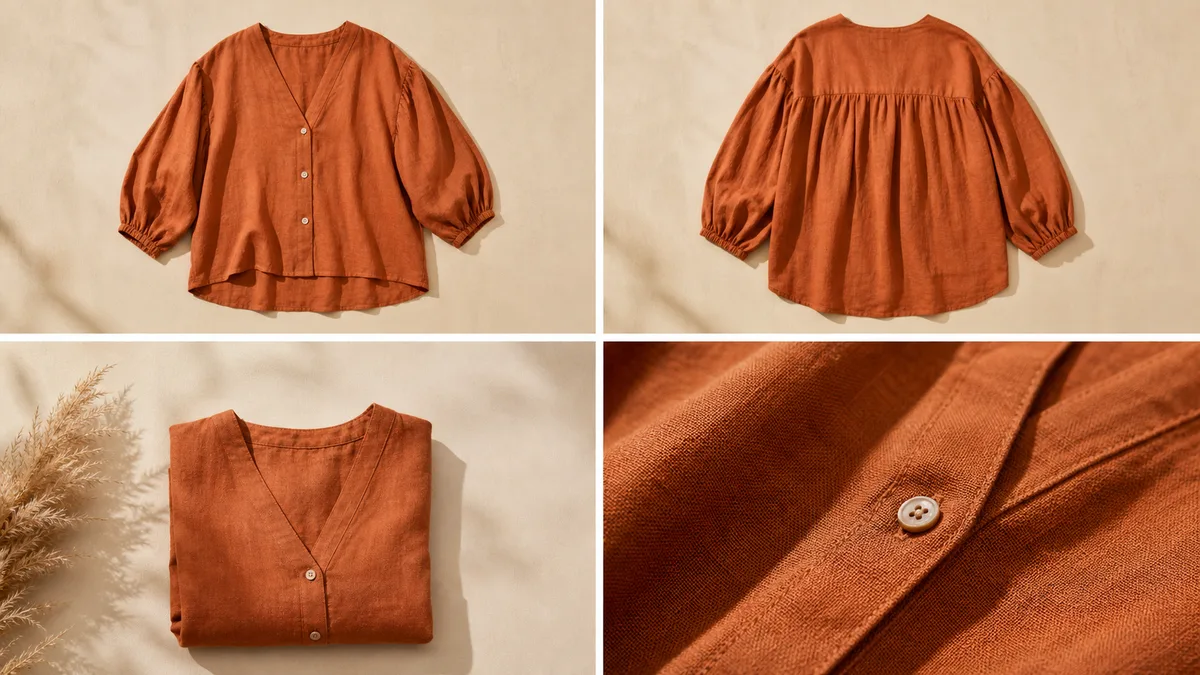
One of the most common questions from online clothing sellers is: how many photos do I need per product? The short answer is "it depends," but in this article we'll analyze what the data shows and help you decide.
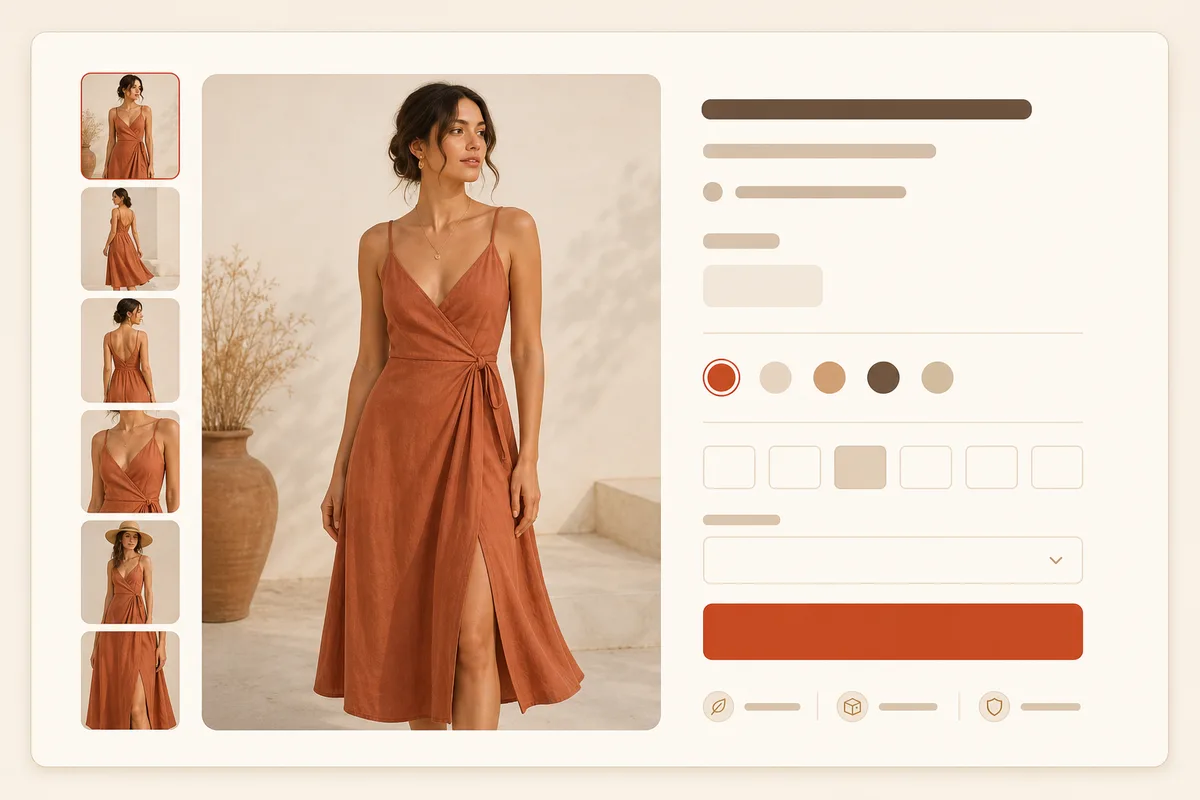
What the Data Shows
E-commerce Studies
Research with thousands of online stores reveals:
| Number of Photos | Conversion Rate |
|---|---|
| 1 photo | Baseline (100%) |
| 3 photos | +27% |
| 5 photos | +45% |
| 8+ photos | +58% |
Conclusion: More photos = more sales. But there's a point of diminishing returns.
The Sweet Spot
Most experts recommend 5-8 photos per product for fashion. After 8, the conversion gain is marginal and production cost increases significantly.
Types of Essential Photos
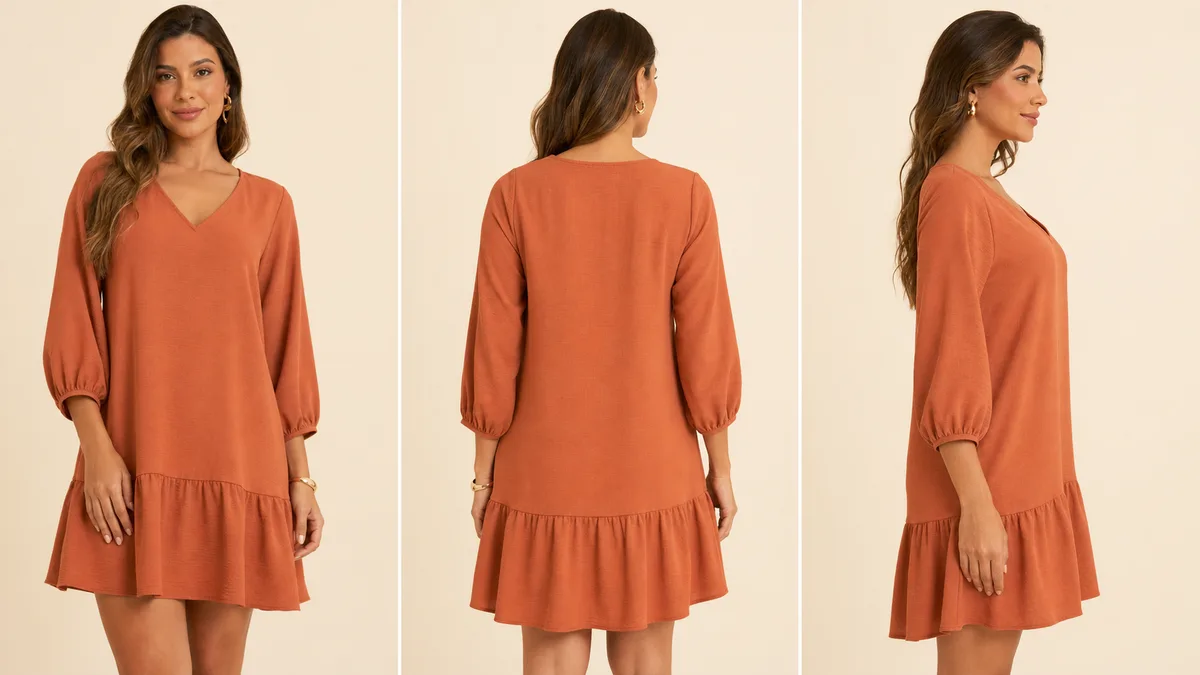
1. Main Photo (Required)
The first impression. Should be:
- Complete front of the piece
- Clean background (white ideal)
- Good lighting
- Model or mannequin
Why it matters: It's the photo that appears in search results and listings.
2. Back Photo (Required)
Shows what doesn't appear in front:
- Back neckline
- Complete print
- Stitching details
Why it matters: Customers want to see the complete product before buying.
3. Profile Photo (Recommended)
Shows:
- Silhouette and drape
- Real length
- Side proportions
Why it matters: Helps visualize how the clothing "falls" on the body.
4. Detail Photo (Recommended)
Close-up on:
- Fabric texture
- Buttons, zipper, embroidery
- Care label
- Finishes
Why it matters: Substitutes the feeling of touching the product in physical store.
5. Lifestyle Photo (Optional+)
Clothing in context:
- Model in real environment
- Combination with other pieces
- Brand "vibe"
Why it matters: Creates emotional connection and shows real use.
6. Scale Photo (Optional)
To show real size:
- With ruler or reference
- Especially useful for bags, accessories
How Many Photos by Product Type
T-shirts and Simple Tops
Minimum: 3 photos
- Front, back, fabric detail
Ideal: 5 photos
- Profile, lifestyle
Dresses and Complex Pieces
Minimum: 5 photos
- Front, back, profile, detail, length
Ideal: 8 photos
- Movement (spinning), necklines, lifestyle
Pants and Skirts
Minimum: 4 photos
- Front, back, profile, waist detail
Ideal: 6 photos
- Hem close-up, pocket, drape
Accessories (Bags, Belts)
Minimum: 4 photos
- Front, back, open/in use, detail
Ideal: 6 photos
- With scale, clasp close-up
How to Produce More Photos Without More Cost
With VestiAI
One base photo can generate multiple versions:
- Upload mannequin/flatlay photo
- Generate with virtual model (front)
- Change background for lifestyle version
- Add detail photos manually
Result: 4-5 photos from 1-2 originals
Efficient Photo Session
Set up to capture everything at once:
- 3 angles (front, back, profile)
- 1-2 detail close-ups
- Total: 4-5 photos in 5 minutes
Where to Use Each Photo
| Photo | Main Site | Social Media | Marketplace |
|---|---|---|---|
| Front | ✅ Main | ✅ Feed | ✅ Required |
| Back | ✅ Gallery | 🔄 Occasional | ✅ Recommended |
| Profile | ✅ Gallery | 🔄 Occasional | 🔄 Optional |
| Detail | ✅ Gallery | ✅ Stories | 🔄 Optional |
| Lifestyle | ✅ Feature | ✅ Feed | ❌ Avoid |
Photo Checklist Per Product
For a complete catalog, each product should have:
- [ ] Front photo (white background): required
- [ ] Back photo: required
- [ ] Profile photo: recommended
- [ ] Fabric detail photo: recommended
- [ ] Lifestyle photo: differentiator
- [ ] Additional photos as complexity requires
Conclusion
The answer to "how many photos per SKU?" depends on:
- Product type: Complex pieces need more
- Your audience: Some value more details
- Your capacity: Better 5 good than 10 mediocre
General recommendation:
- Minimum: 3 photos per product
- Ideal: 5-8 photos per product
- Premium: 8+ photos for key pieces
With VestiAI, you can multiply your base photos into versions with model, lifestyle, and different backgrounds. Try for free and see how to scale your photo production.
Related Articles
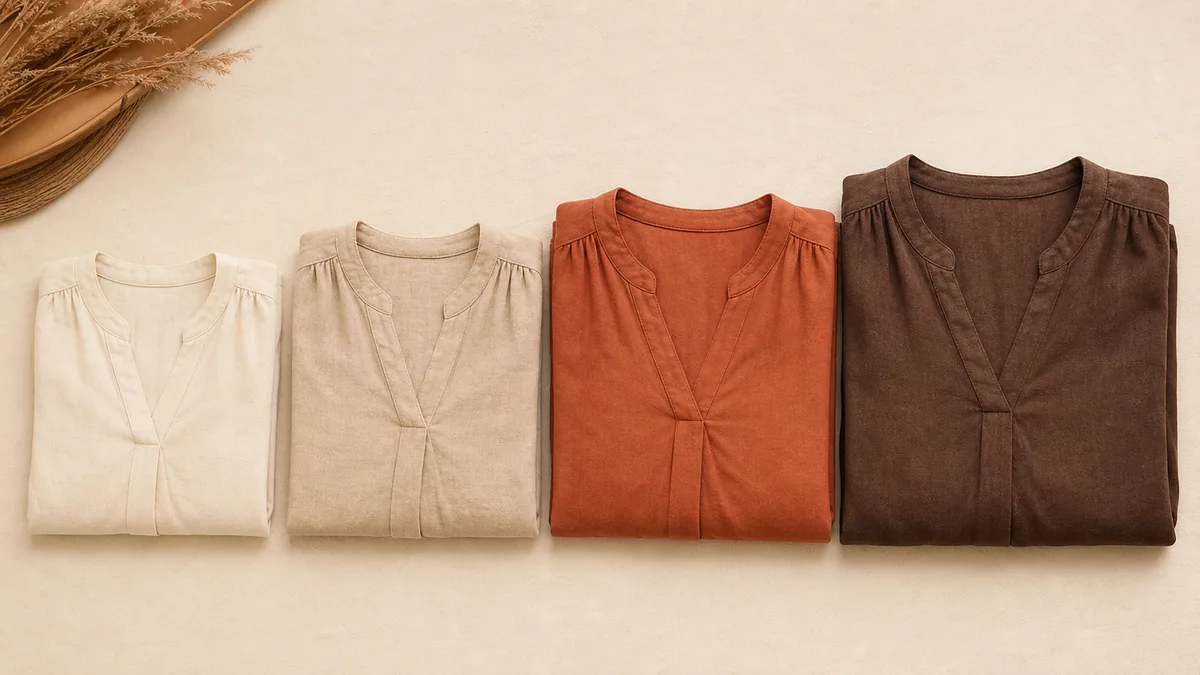
Diverse Models Choosing the Ideal for Your Audience
Learn how to choose virtual models that represent your target audience. Tips to increase identification and conversion.
Read article
How to Launch a Collection in 48h with Ready Photos
Learn how to launch your clothing collection in 48 hours using AI to create professional photos quickly. Step-by-step guide.
Read article
Complete Guide to Fashion E-commerce Photos
Learn how to create professional photos for your online clothing store. Complete guide with lighting, angles, and editing for e-commerce.
Read article